After you have compiled and elaborated your design, you can simulate the design using xrun -R. This program uses the compiled-code streams to simulate the dynamic behavior of the design.
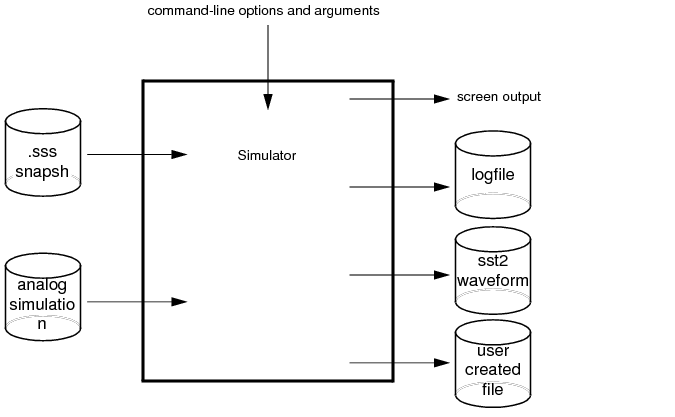
The xrun utility loads the snapshot as its primary input. It then loads other intermediate objects referenced by that input. In the case of interactive debugging, HDL source files and script files also might be loaded. Other data files might be loaded (via $read* tasks or textio) if the model being simulated requires them.
You control the outputs of simulation using the model, the analog simulation control file, or the debugger. Result files can come from the model, Simulation History Manager (SHM) databases, or Value Change Dump (VCD) files.
The following figure illustrates some of the inputs and outputs that the simulator can use and generate: