
Items available on the Signal List pane for the AMS Designer simulator include analog branch objects.
To specify signal list preferences, do the following:
- From the Design Browser, choose Edit - Preferences.
The Preferences form appears. - Under Design Browser (on the left side of the form), select Signal List.
The Signal List selections appear on the right side of the form.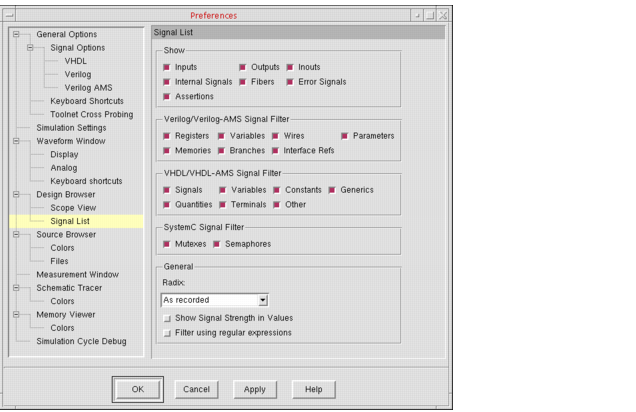
- On the right side of the form, select your preferences.
- Click Apply.
The Design Browser modifies the Signal List pane to show the object types you select.