
To specify formatting options for Verilog-AMS branches, do the following:
- From the Design Browser, choose Edit - Preferences.
The Preferences form appears. - Under General Options (on the left side of the form), select Signal Options - Verilog AMS.
The Verilog AMS preferences appear on the right side of the form.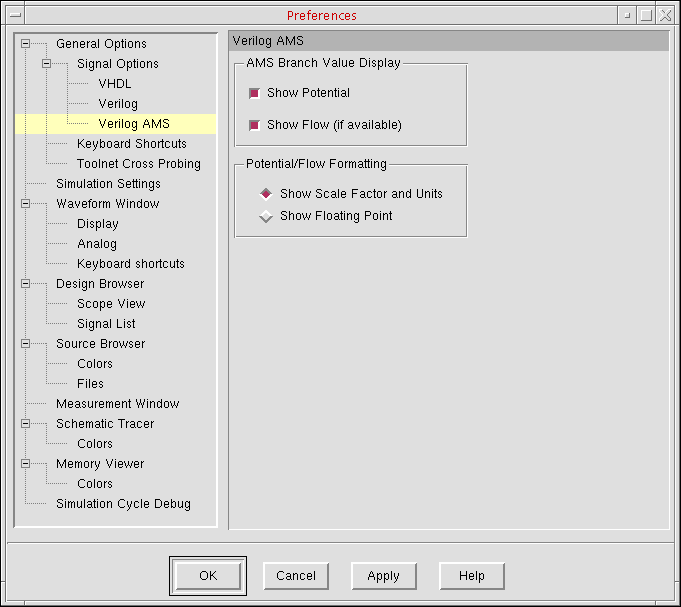
-
In the AMS Branch Value Display group box, select the options you want:
Show Potential Show potential quantities, such as 5.44VShow Flow Show flow quantities, such as 3.45mA -
In the Potential/Flow Formatting group box, select one of the following format options:
Show Scale Factor and Units Use scalar multipliers and nature units; for example: result= -30.646mVShow Floating Point Use floating-point format; for example: result= -0.0306461 - Click Apply.