
Edit Scope of a Design Partition
Concurrent Layout uses the definition you made in the Define Design Partition form to identify which object belongs to which design partition. Information about the objects undergoing modification in a design partition is stored in the associated design partition view.
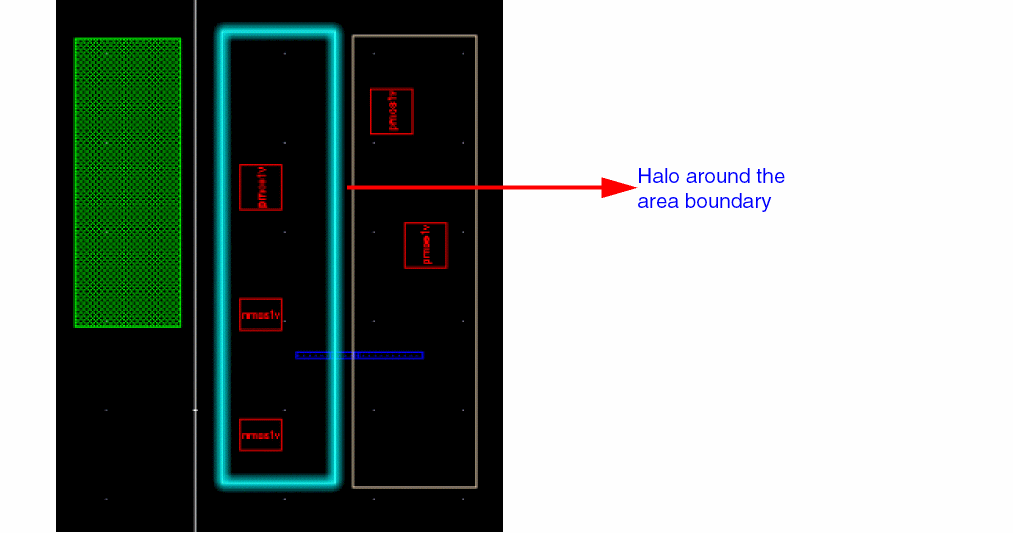
Edit scope for each design partition is set to select only those objects that are inside the current partition by default. You can change these settings from Concurrent Layout Options form or from the Concurrent Layout assistant in designer mode.
If Edit Scope is set to Off, editing objects outside the partition generates alerts in the Concurrent Layout assistant. You will have to individually sign off each alert and warning.
Related Topics
Defining an Area-Based Design Partition
Defining a Layer-Based Design Partition
Return to top