
Editing Modgen Dummy Properties in Array Assistant
You can use either the Property Editor assistant or the Configure Dummies form to edit the properties of the dummies that are added around Modgen instances.
To edit dummy properties using the Configure Dummies form:
- Select the dummies in the Array Assistant
-
Right-click and select Edit Dummy from the shortcut menu.
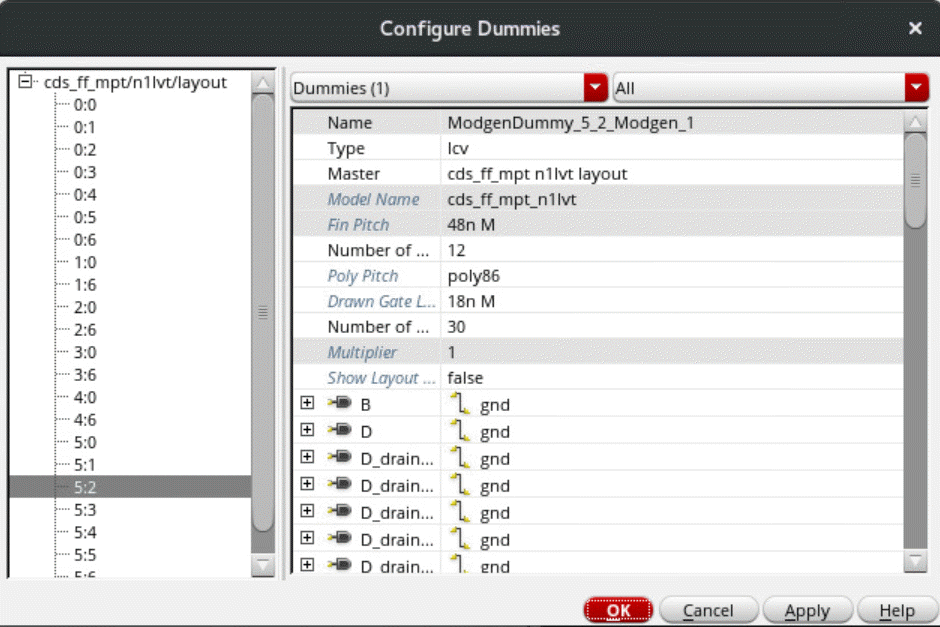
The Configure Dummies form appears.
-
In the left pane, select the dummy that you want to edit.
You can either select individual dummies or multiple dummies in the left pane and edit their Properties in the right pane. -
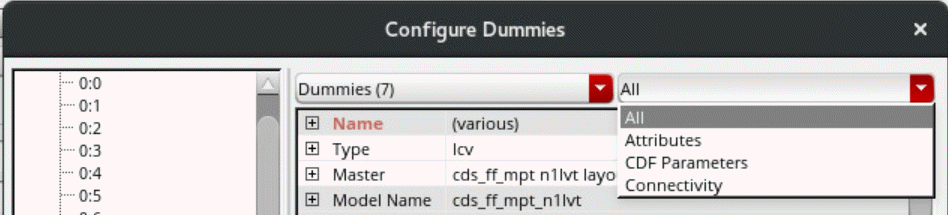
In the right pane, use the drop-down list at the top-left side to choose whether the Attributes, CDF Parameters, Connectivity, or All parameters are to be edited.
-
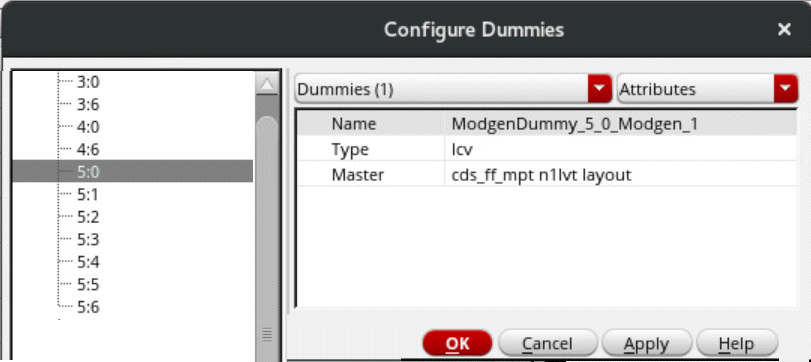
In Attributes mode, the dummy name, type, and master values are displayed. Edit the Type and Master fields as per your requirement.
-
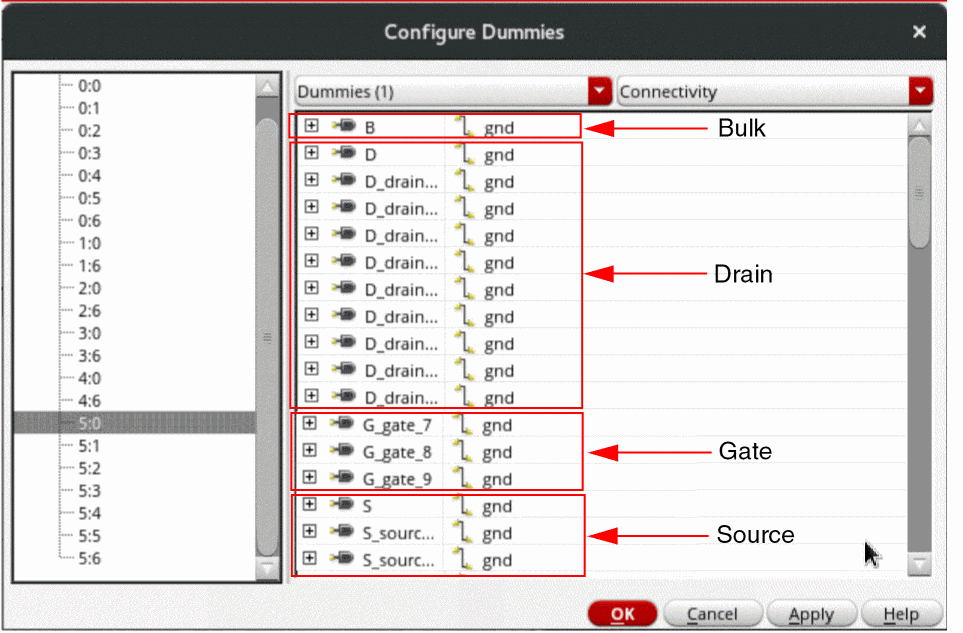
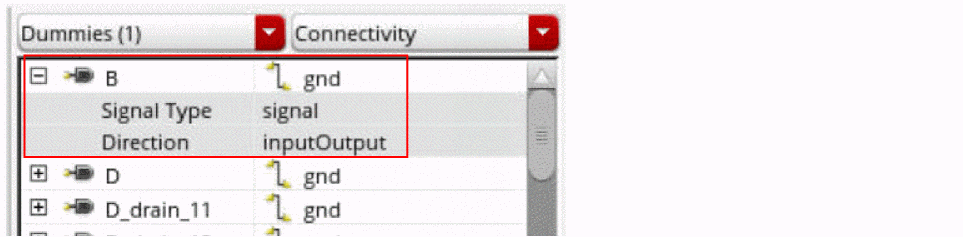
In Connectivity mode, a list of bulk, drain, gate, and source connections is displayed. Edit the net names associated with a terminal by typing the new net name or by choosing another net from the drop-down list.
-
Expand the net names to view the Signal Type and Direction of each net.
-
In CDF Parameters mode, edit the CDF parameters for the selected dummy.
The connectivity values are not editable for terminals or CDF parameters that have Modgen values that do not match the database value.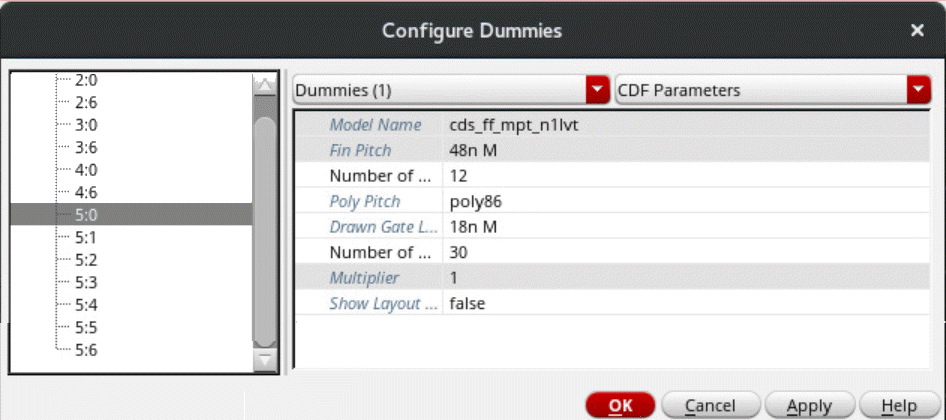
- Click OK.
Dummy parameters are updated as per your specifications.
Related Topics
Adding Dummies around Modgen Instances using the Array Assistant
The Move Command in the Array Assistant
Return to top