
Creating an Array by Specifying Spacing Mode and Values
To create an array of copied objects by specifying spacing mode and spacing values in the Copy form:
- On the layout canvas, select the object to copy.
-
Choose Edit – Copy and press
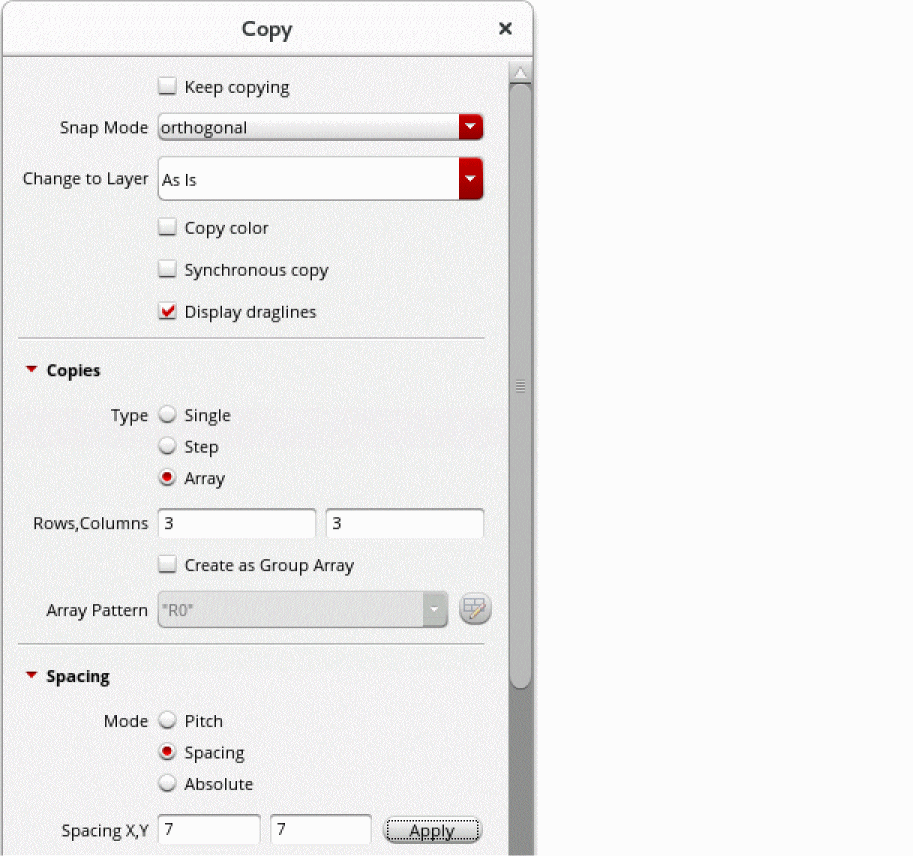
F3to open the Copy form. - With the Array check box selected as the copy type, in the Rows and Columns fields, type the number of rows and columns you want in the array.
- Select one of the following modes in the Spacing section and specify the spacing value:
-
Click Apply in the Spacing section.
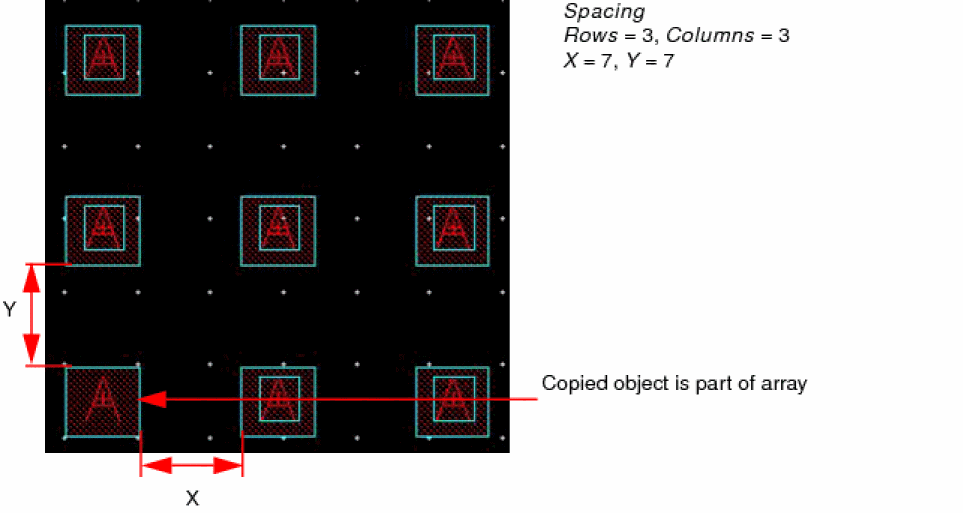
An array with the specified settings is created. The object you copied is part of the array.
The following figure shows an array of copied objects created using the Pitch option.
The following figure shows an array of copied objects created using the Spacing option.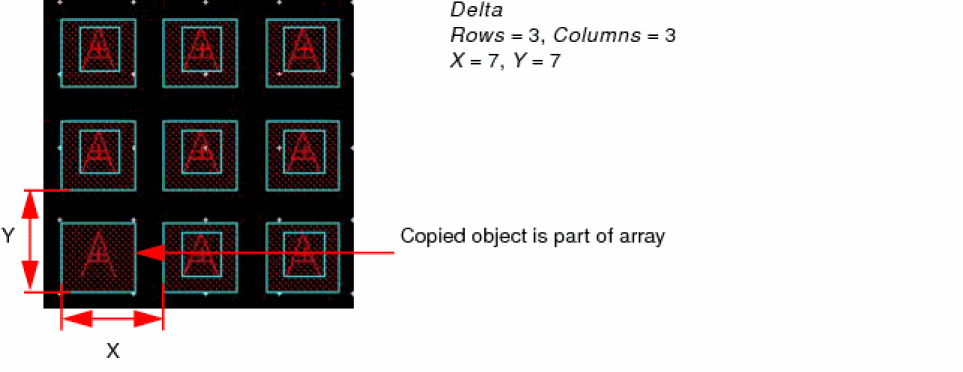
You can use the Copy form to create group arrays. For information, see Creating a Group Array by Using the Copy Form.
Related Topics
Return to top