
Deleting a Layer Set
-
From the Palette context menu, choose Layer Set – Delete.
The Delete Layer Set form appears. The Layer Set repository field displays the name of the repository from which the layer set will be deleted. This is a non-editable field.
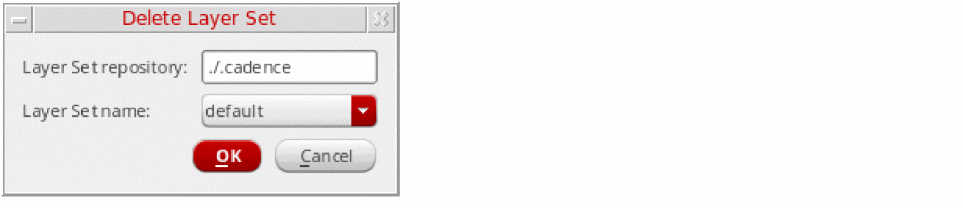
- Select the layer set that you want to delete by choosing from the Layer Set name list.
-
Click OK.
The layer set is deleted from the specified layer set repository and is no longer displayed in the Layer Set list and Layer Set Manager.
Related Topics
Return to top