
Convert Selected Dynamic Shapes
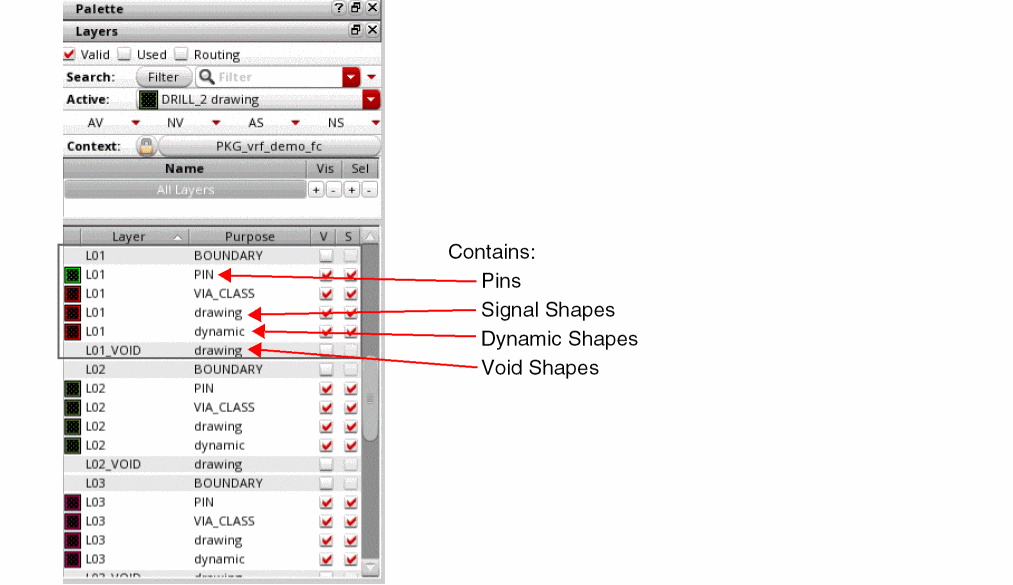
Choose Module – Void Selected Dynamic Shapes to convert dynamic shapes to static shapes.
Smooth and Trim Void Shapes
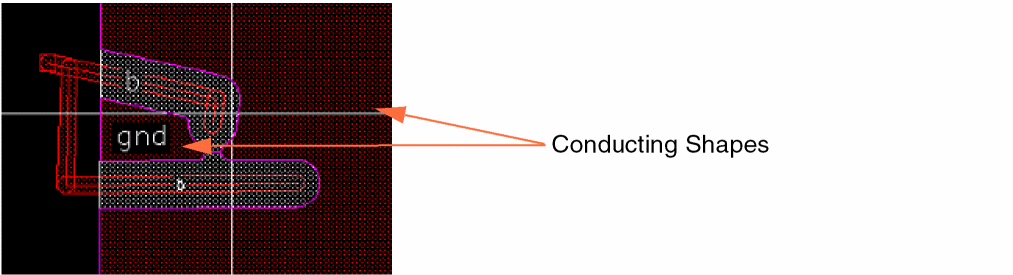
The void generator smooths the conducting shapes that result from voiding. This smoothing is required for manufacturing ability of the design. Sharp corners (of angles lower than 90 degrees) are rounded and the pkgMinAperture constraint is enforced. Void generation might split a dynamic shape into multiple conducting shapes or “islands,” as shown in the following image:
When a pkgMinArea constraint is present, the void generator trims the conducting shapes that are smaller than pkgMinArea value.
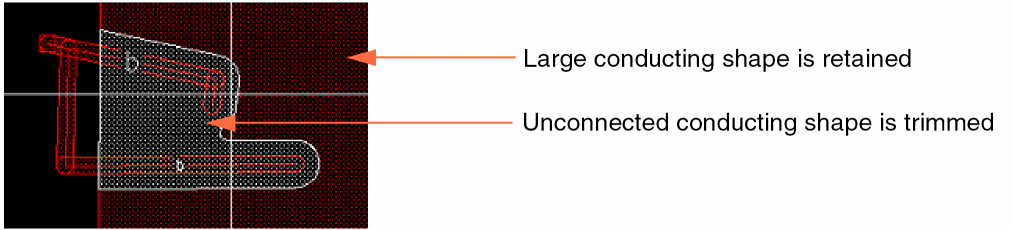
Use the voidGeneratorTrimUnconnectedShapes environment variable to control trimming of unconnected conducting shapes. The default value is t. In this state, the unconnected conducting shapes are trimmed, as shown below. The small conducting shape is trimmed out because it is not connected to any pin. The large conducting shape is retained because either it is connected to a pin or it is the largest conducting shape.
Related Topic
Package Constraints Supported by the Void Generator
voidGeneratorTrimUnconnectedShapes
Return to top