
Choosing the Track Pattern Display Mode
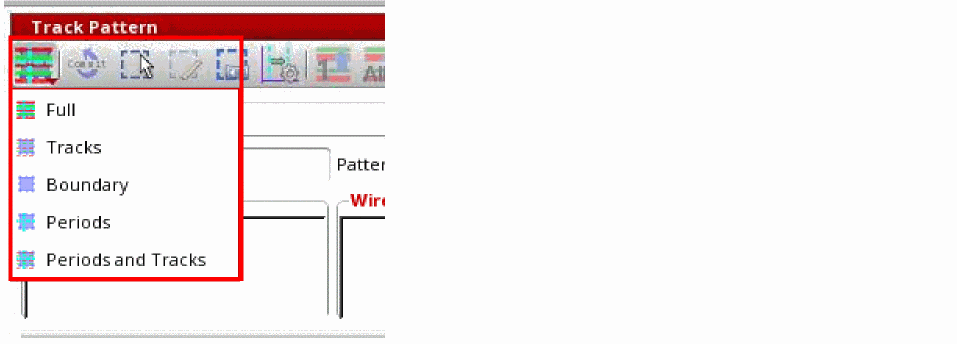
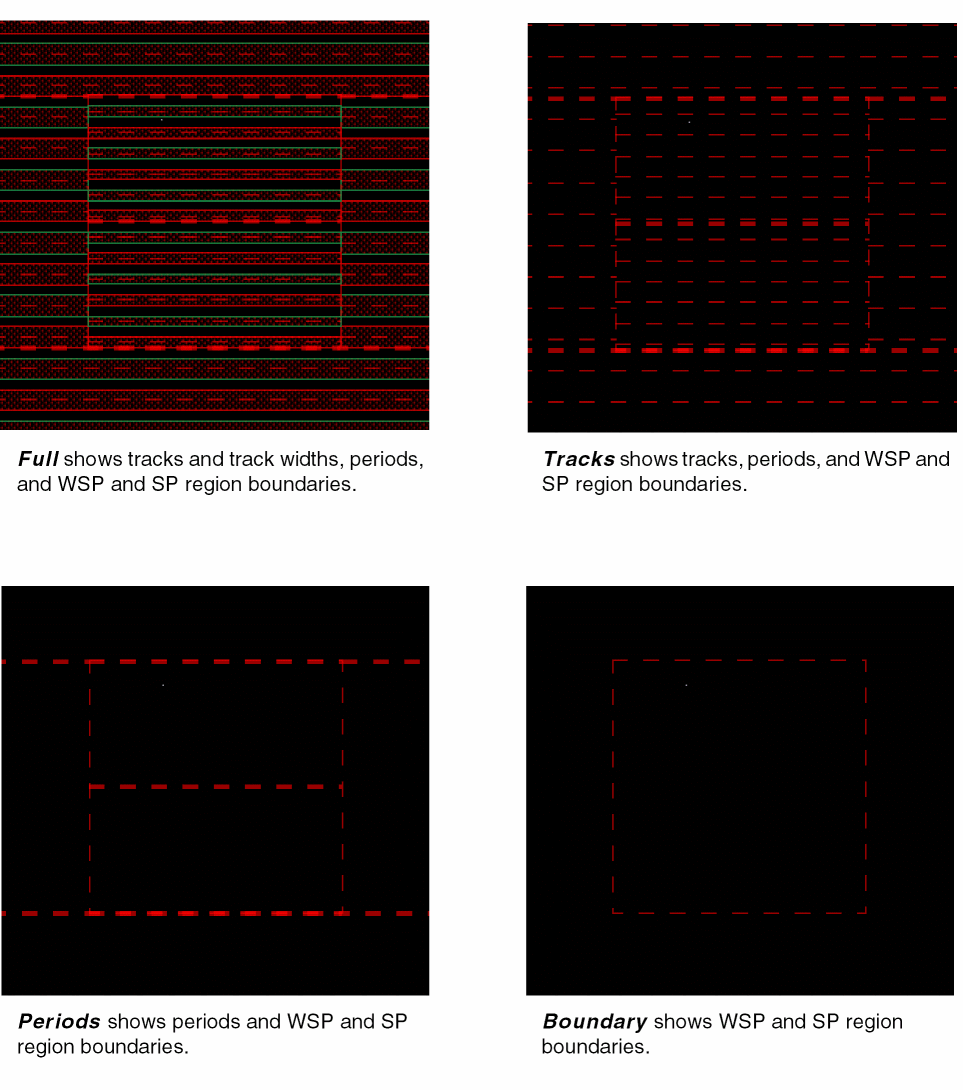
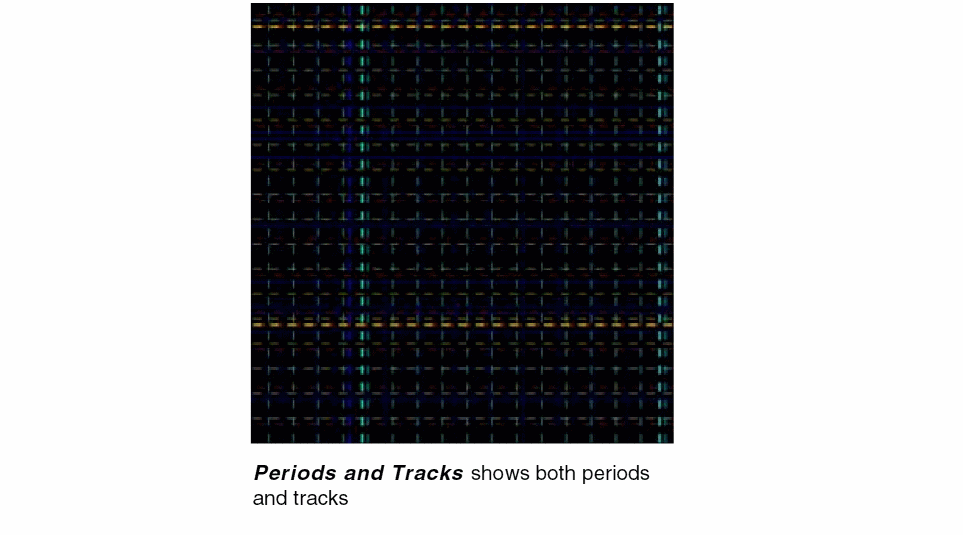
Click the track pattern Display Mode icon on the toolbar in the Track Pattern assistant to control the display of boundaries and track elements in the canvas. You can choose one of the following from the list: Full, Tracks, Boundary, Periods, and Period and Tracks.
The following figure depicts the display options.
The display mode can also be set in the Snap Pattern Display field of the
Related Topics
Launching the Track Pattern Assistant
Track Pattern Assistant Toolbar
Return to top