The Console window gives you access to the command languages for SimVisionMS and for the simulator you are running. Each tool is represented by a tab in the Console window. For example, if you run SimVisionMS with
the simulator, the Console window contains a SimVision tab and a simulator tab, as shown in the figure.
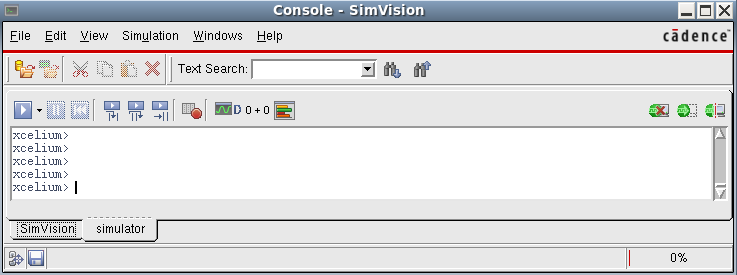
You can type simulator, SimVision, or Tcl commands on the SimVision tab, and monitor the messages returned by the tool.
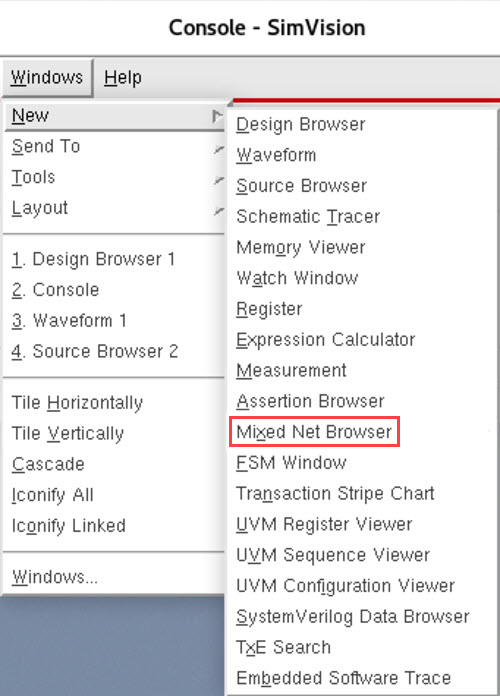
In SimVision MS, the Windows - New menu of the Console window has an additional option, Mixed Net Browser.