
Design Partition Management Pane in Manager Mode
The Design Partition Management pane shows the information regarding the design partitions that have been created in the top design.
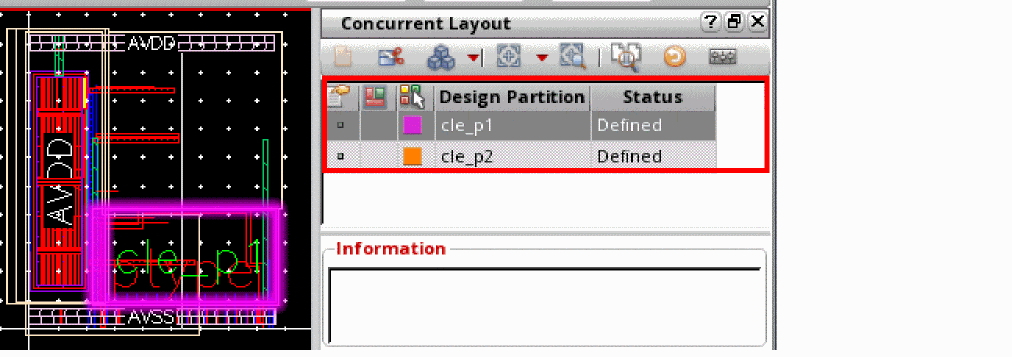
The following table lists the functions of the different options on the title bar of the Design Management pane:
|
Shows and sets the definition state to highlight the area boundary of the design partition or the bounding box of the figure group of the partition. Click the column header to change the state for all design partitions. Ctrl + Click on this option to sort the partitions by definition states. |
||
|
Shows and sets the preview state to see the partition changes in the foreground cellview. Click the column header to change the state for all design partitions. Ctrl + Click on this option to sort design partitions by preview states. Right-click to view preview options. For more information, see Preview Options. |
||
|
Specifies the color to highlight the selected design partition or individual changes in the canvas. 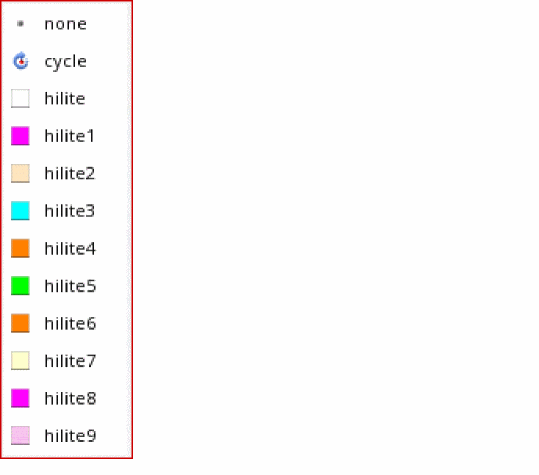 |
||
|
Displayed if partition definition state or preview is enabled. |


Related Topics
Concurrent Layout Toolbar in Manager Mode
Design Partition Options in Manager Mode
Return to top