
Display Additional Columns
When you right-click on the table header of the Design Partition Management pane, you will see options that let you display additional columns in this table.
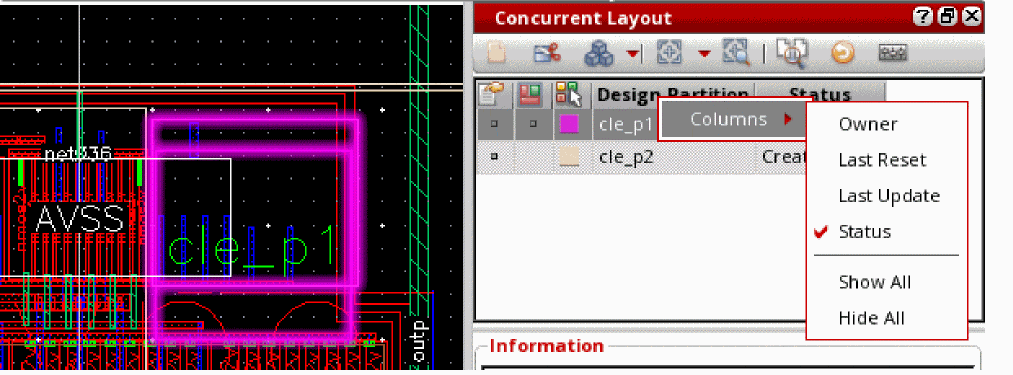
|
Shows the status of each design partition. Valid values: Created, Editing, Submitted, Merged, Defined, Reset, and Rejected |
|
Related Topics
Concurrent Layout Toolbar in Manager Mode
Design Partition Management Pane in Manager Mode
Design Partition Options in Manager Mode
Return to top