
Preview Options
Additional preview options are displayed when you right-click the Preview option on the title bar of the Design Management pane.
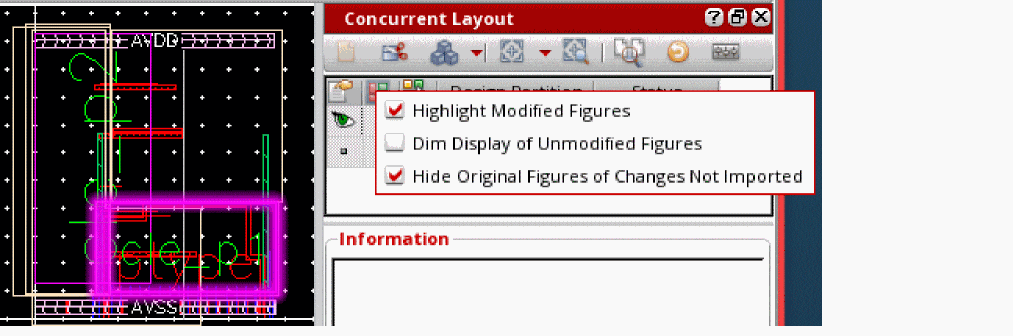
The following table lists the functions of commands on the right-click menu of the Preview option:
|
Highlights the updated figures in the selected design partition. |
|
Related Topics
Concurrent Layout Toolbar in Manager Mode
Design Partition Management Pane in Manager Mode
Design Partition Options in Manager Mode
Return to top