
Editing Library Properties
To edit the properties associated with a library:
-
In the CIW, choose Tools – Library Manager.
The Library Manager form appears. - Select the library whose properties you want to edit.
-
Choose Edit – Properties.
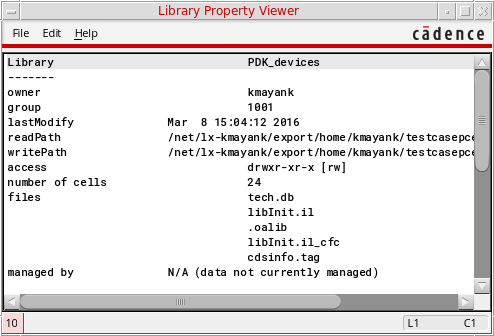
The Library Property Editor form appears.The properties of the selected library appear at the bottom of the form.If you do not have write permission for the selected library, you can view but not edit the properties. The Library Property Viewer appears instead of the Library Property Editor.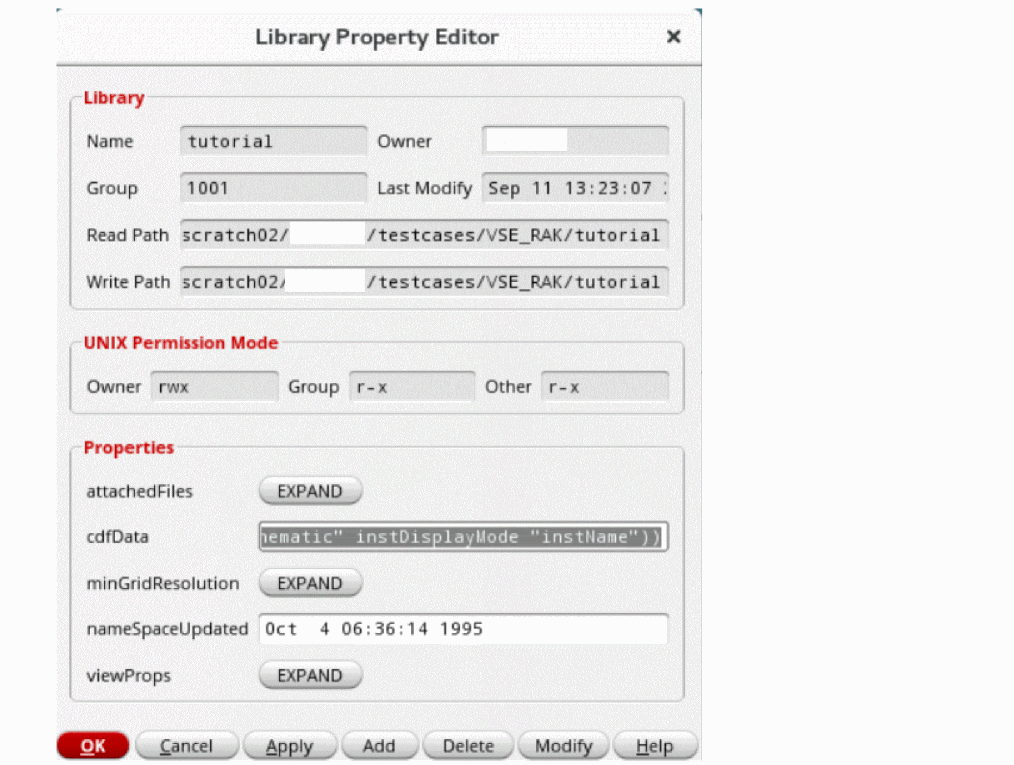
- In the Library Property Editor form, you can add, delete, and modify library properties:
- Click Apply.
Related Topics
Adding Properties to a Library, Cell, or View
Modifying Properties of a Library, Cell, or View
Return to top