
Converting a Mosaic to a Group Array
To convert a mosaic to a group array:
-
In the layout design window, select the mosaic you want to convert.
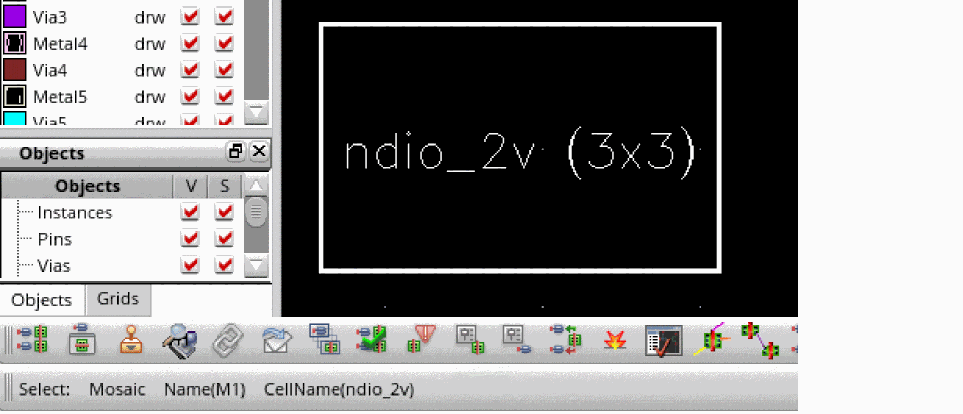
The following image shows a 3x3 mosaic selected. Note the message on the status bar indicates that it is a mosaic.
-
Choose Edit – Convert – To GroupArray.
Alternatively, you can select the Convert To GroupArray command from the shortcut menu.
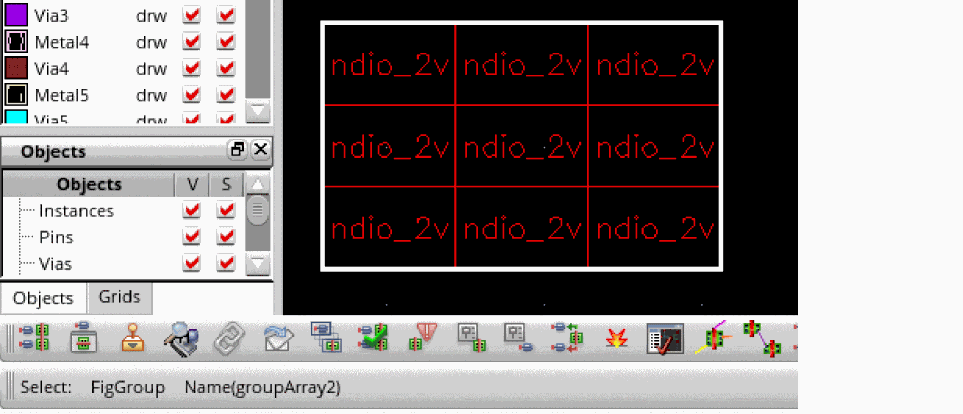
The following image shows that the mosaic is converted to a 3x3 group array. Note the message on the status bar indicates that the selection is a figGroup with the name groupArray2.
Related Topics
Return to top