
Instantiating IC Instances
Update the package schematic in the package library by instantiating the die footprint generated while exporting the die. To instantiate IC instances:
- Create a new cellview in the package library.
-
Instantiate the die symbol by using the Add Instance form.
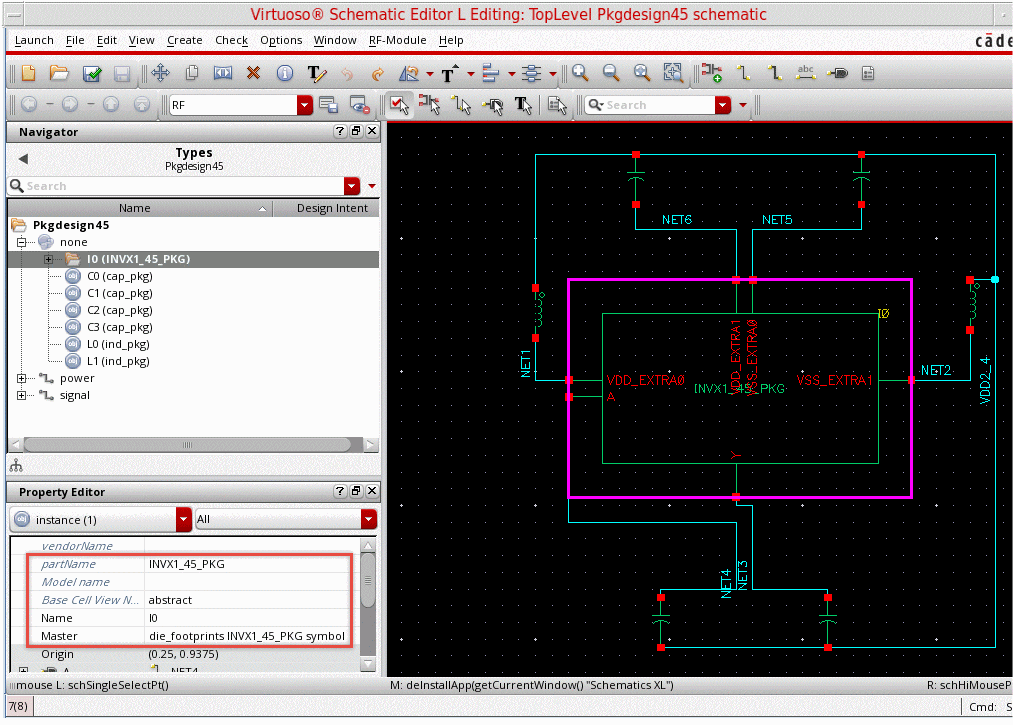
- Create connectivity for the instance.
- Check and save the package schematic. The die symbol appears in the schematic as an instance.
Related Topic
Return to top