
Moving Bond Wires and Bond Fingers
The Move wire or finger command lets you move bond wires and fingers individually to a new position on the guide. To move a bond wire:
-
Choose Module – Bond Wire – Move wire or finger. Alternatively, you can use the shortcut key
M. - Select the bond wire to be repositioned by selecting either the complete instance or the level-1 path of the bond wire instance.
-
Press
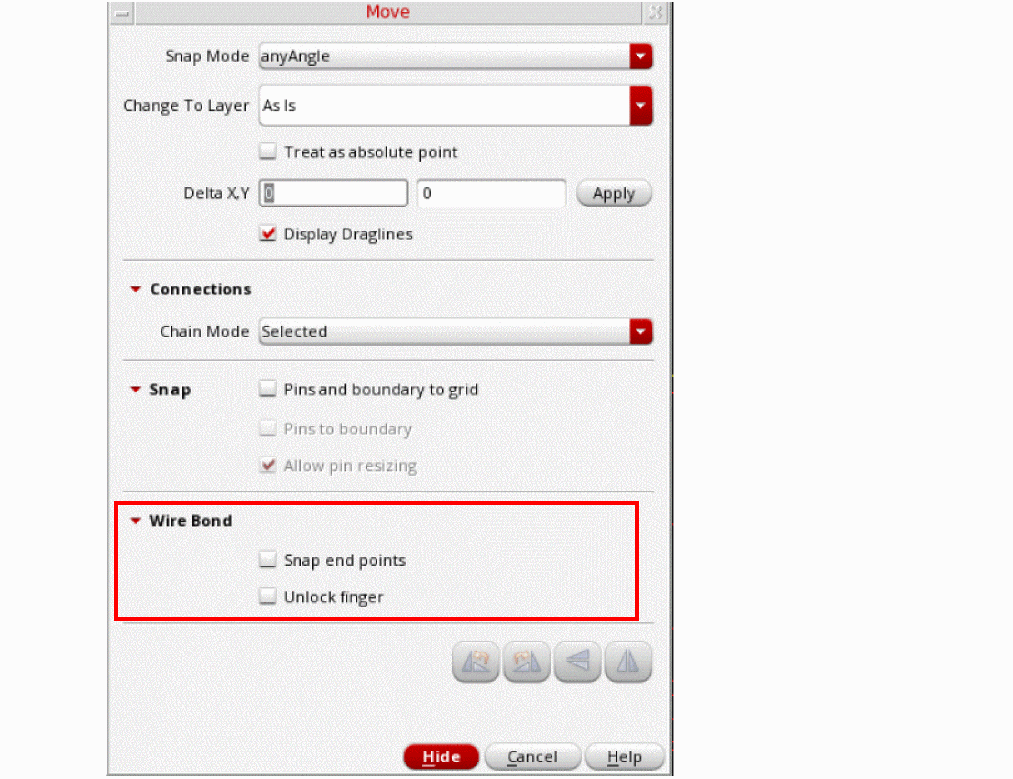
F3to display the Move form. In addition to the standard Move options, the form includes a Wire Bond section. Select Snap end points to specify the snapping behavior of bond wires. The snapping behavior differs based on the selection.- If the IO side of a bond wire is selected, the endpoint is snapped to the same net IOs.
- If the finger side is selected, the snapping behavior depends on the Unlock finger setting.
- Select the required options in the Move form.
- Click Hide.
- Move the pointer to the required location. Click to place the bond wire.
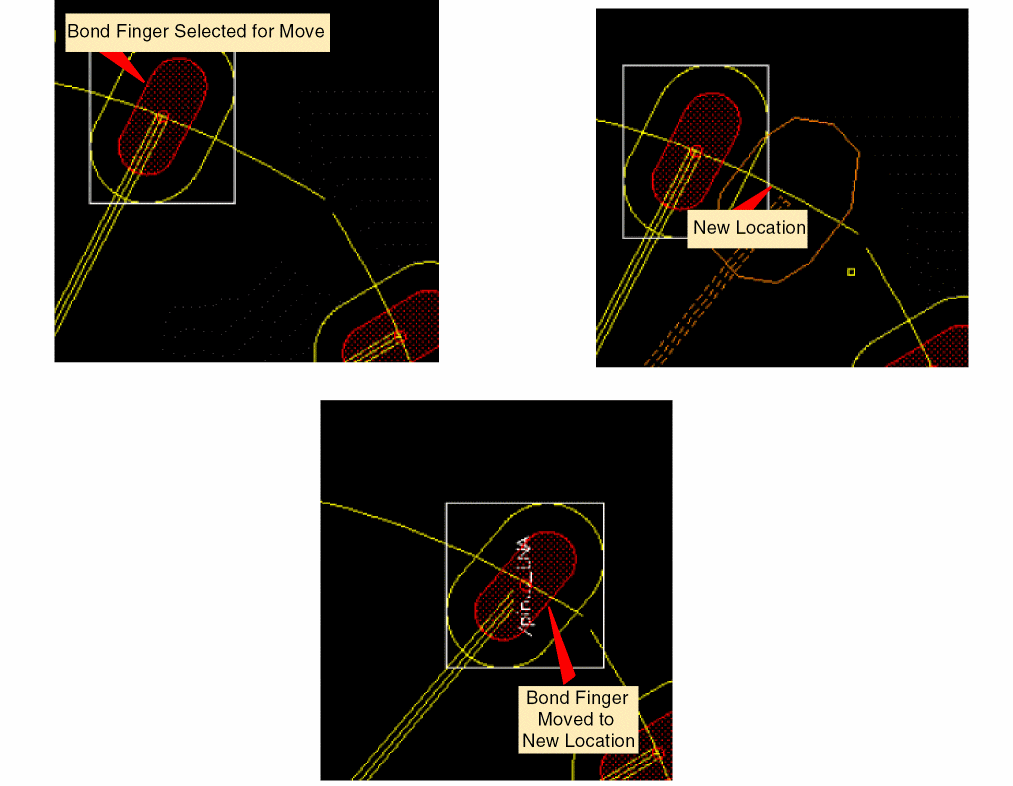
The bond finger and bond wire are repositioned as follows:
Related Topic
Updating the Finger Attach Point
Return to top