
Adding and Removing a Net from a Constraint Group
You can use this section to add a net to a constraint group and remove a net from a constraint group.
Adding a Net to a Constraint Group
To add a net to a constraint group:
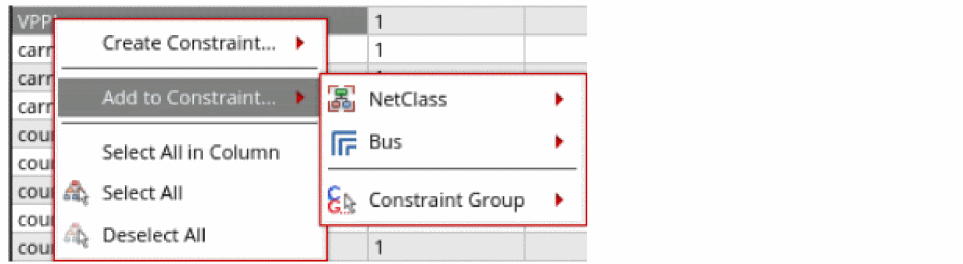
- Right-click a net in the Net column. A shortcut menu is displayed.
-
Hover over to Add to Constraint.
A sub menu is displayed.
-
Hover over to Constraint Group.
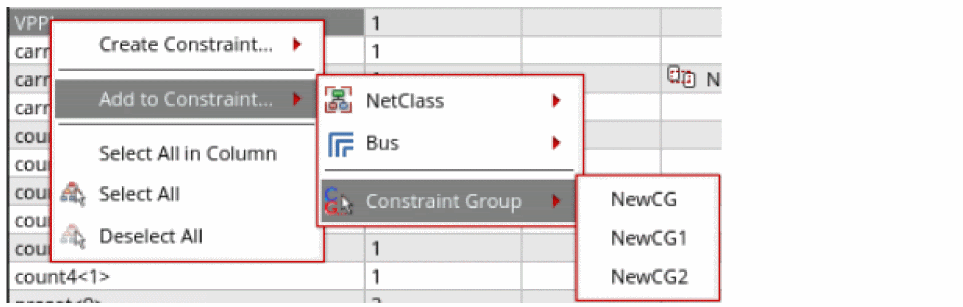
-
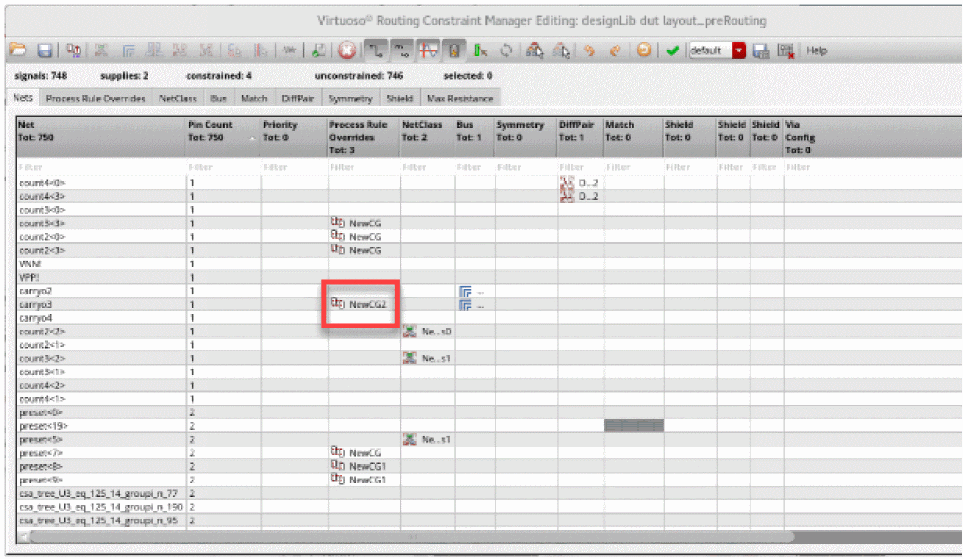
Click the name of the constraint group to which you want to add the net.
The name of the constraint group appears in the Process Rule Overrides column for the selected net.
Removing a Net from a Constraint Group
To remove a net from a constraint group:
-
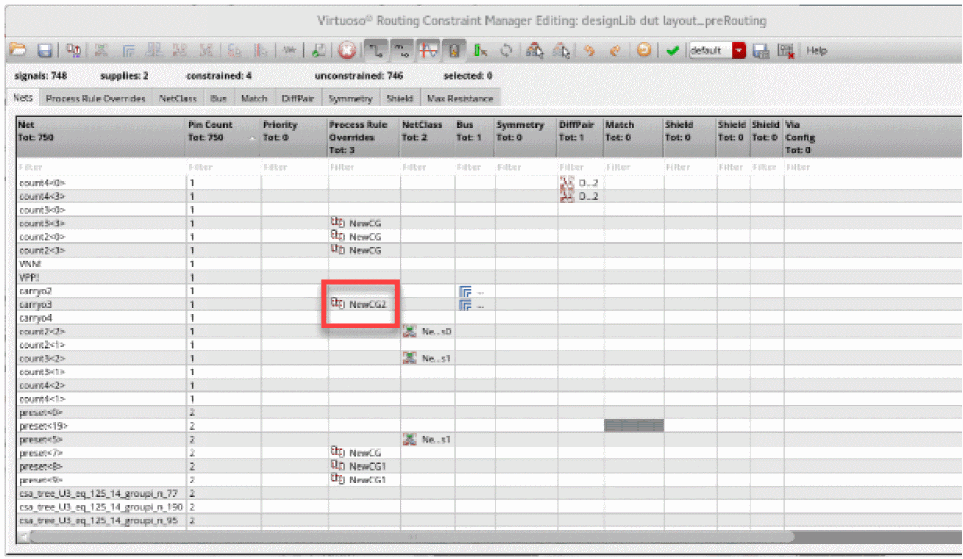
Right-click the constraint group name in the Process Rule Overrides column next to the net name that you want to remove from the group.
-
Click Remove from Constraint Group.
The net name is removed from the constraint group and the constraint group name disappears from the Process Rule Overrides column.
Related Topics
Creating and Deleting a Constraint Group
Setting up a Constraint on a Net
Return to top