
Rotating and Flipping Modgen Instances
You rotate or flip instances for the following reasons:
- To optimize placement
- To optimize routing; for example, to optimally connect resistors in a series
- To allow for matched routing
 or Rotate Right
  button.
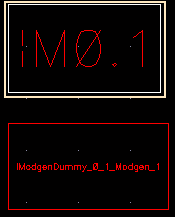
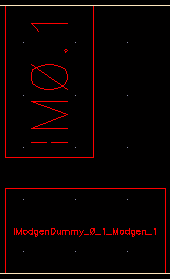
The selected instance is rotated.
Related Topics
Placing Modgen Members Interactively
Moving Modgen Instances Interactively
Adding Empty Rows and Columns to Modgens
Return to top