
Checking Process Rules Using Batch Checker
Process rule checking offers a set of options that allow you to specify the portions of the design or the types of rules to verify.
The Process Rules check is selected by default when the Batch Checker form is opened.
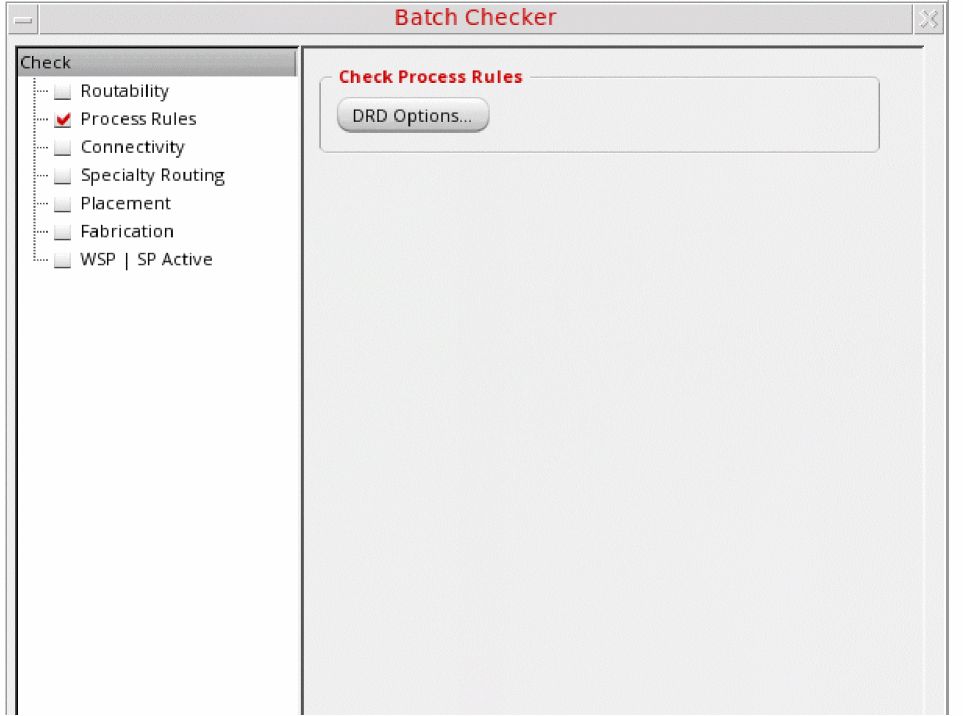
To perform process rule checking:
The DRD Options form opens showing the Batch page, in which you can set the various Batch mode options. For information, see
Related Topics
Checking Routability Using Batch Checker
Checking Connectivity Using Batch Checker
Checking Specialty Routing Using Batch Checker
Checking Fabrication Using Batch Checker
Checking WSP | SP Active Using Batch Checker
Return to top