Design Partition Management Pane in Designer Mode
The Design Partition Management pane shows the information regarding the design partitions that have been created in the top design.
The functions of options on the title bar of the Design Partition Management pane are the same as manager mode. See Design Partition Management Pane in Manager Mode.
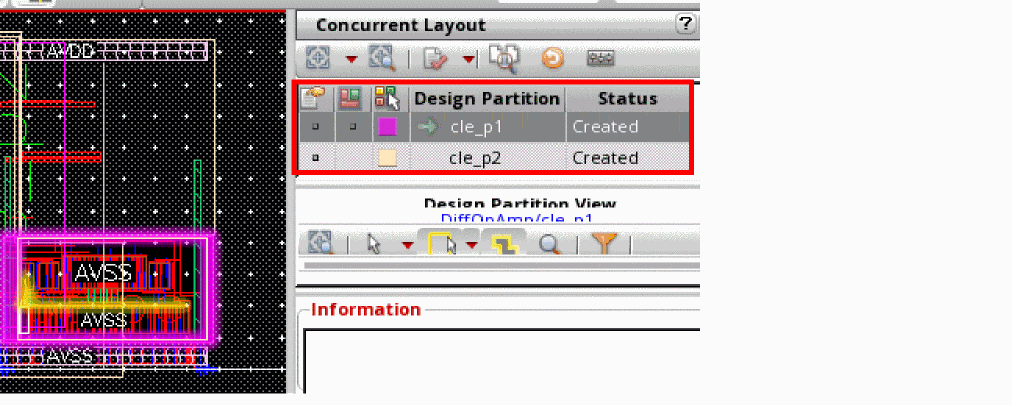
The following table describes the meaning of different colors and icons in the Design Partition Management pane.
|
|
Description
|
Available in
|
|
|
|
|
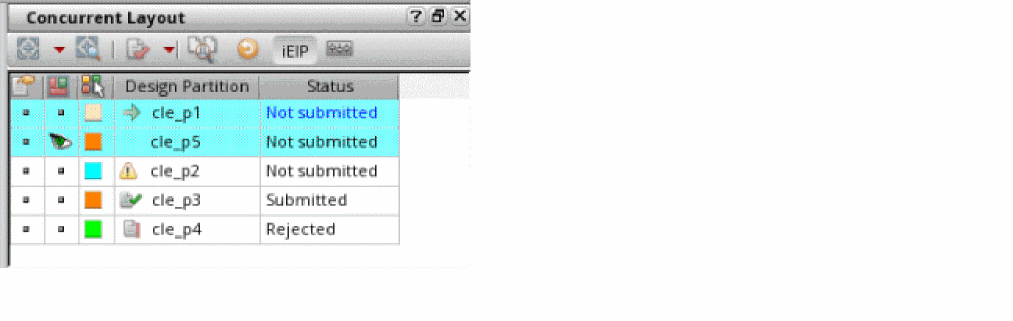
Row with blue background and blue font in the Status column implies that this design partition is being edited.
|
Designer mode only
|
|
|
|
|
|
Row with blue background and black font in the Status column implies that this design partition was imported.
|
Designer mode only
|
|
|
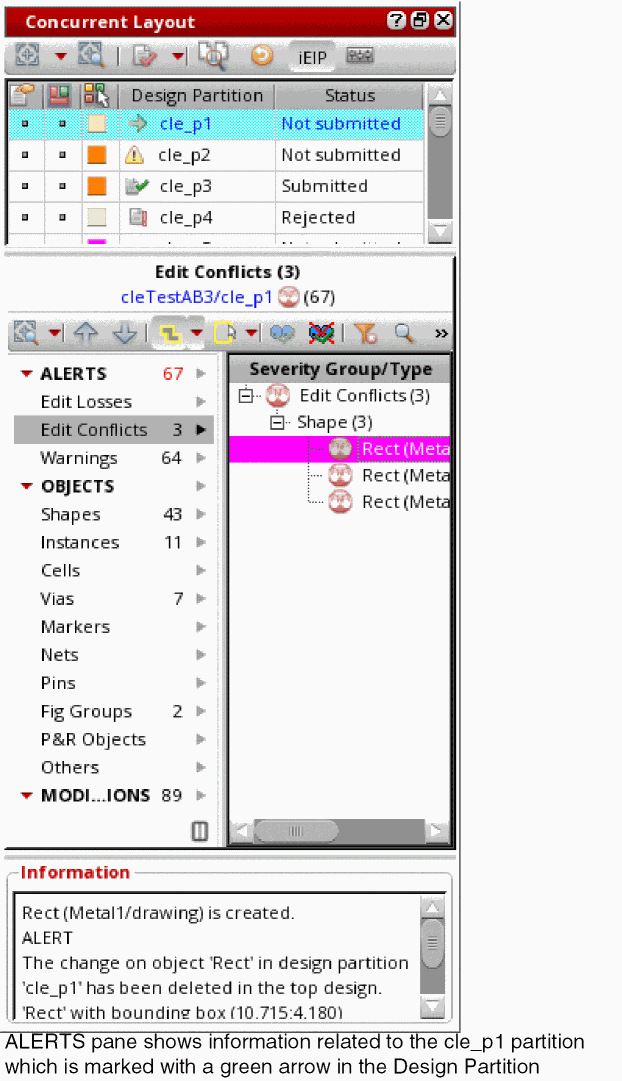
Details for the design partition marked with a green arrow are being displayed in the ALERTS and Information panes, as shown below:
|
Both Manager and Designer modes
|
|
|
|
|
|
|
Design partition marked with the exclamation mark icon implies that it is invading the current design partition.
|
Designer mode only
|
|
|
Design partition marked with green check mark icon implies that this design partition was submitted for merge.
|
Both Manager and Designer modes
|
|
|
Design partition marked with the document with exclamation mark icon implies that this design partition was rejected.
|
Both Manager and Designer modes
|
Related Topics
Preview Options
Display Additional Columns
Design Partition Options in Designer Mode
Design Partition View Contents Section in Designer Mode
Return to top