
Virtuoso Schematic Editor Driven Layout MXL Flow
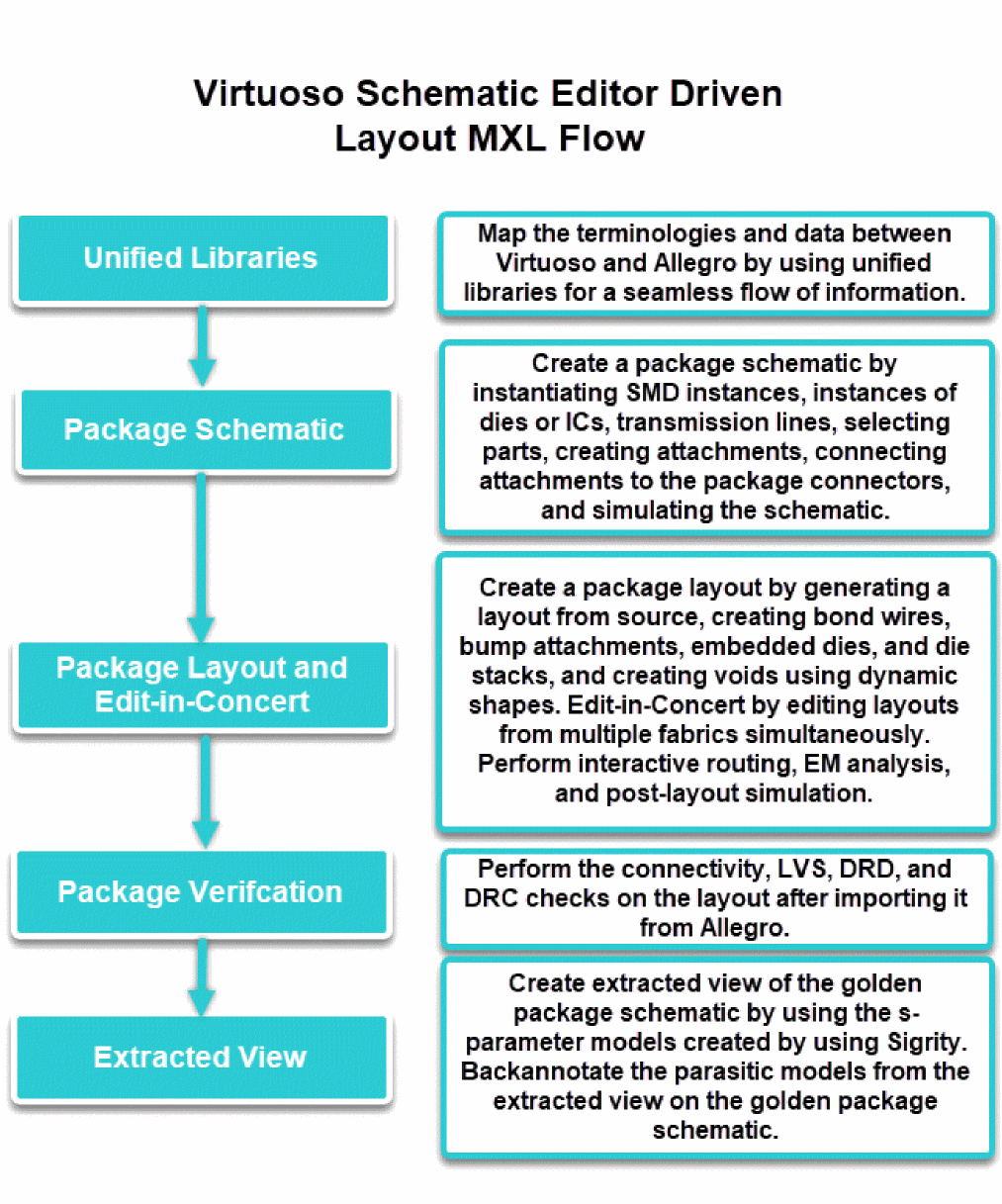
Teams that are used to the Virtuoso Studio can benefit from this flow. This flow enables the package designers to assemble and simulate the package on one platform. You can create a package layout by generating a layout from source and creating bond wires, bump attachments, die embedding, die stacks, and voids using dynamic shapes. Layouts from multiple fabrics are co-designed simultaneously. You can perform interactive routing and EM analysis using Clarity 3D Solver or EMX Solver. Additionally, the extracted view, which is created using S-parameter models, is annotated back to the golden package schematic.
The following diagram depicts the overall flow.
Related Topics
Return to top